Coverage first
Turn patchy wireless coverage into a planned home WiFi setup
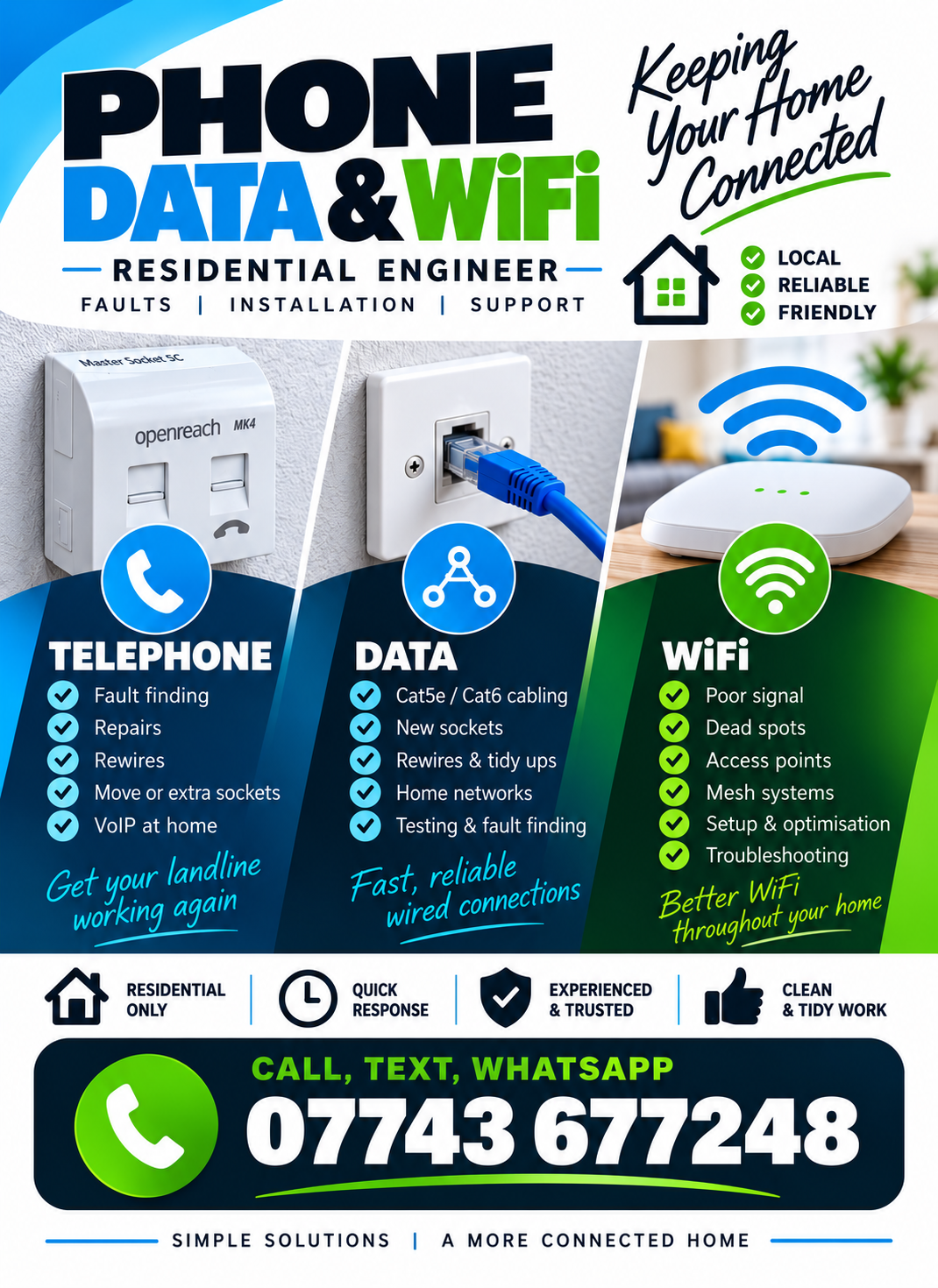
Rather than relying on trial-and-error boosters, the aim is to understand the weak areas and how the existing router or mesh nodes are reaching them. A change in layout may be enough, while harder properties can benefit from a wired access point or Ethernet-backed mesh node.
- WiFi coverage troubleshooting
- Mesh node placement and setup
- Access point installation
- Wired backhaul for stronger links
Ethernet around the home
Give workstations and fixed devices their own wired connection
Wireless is convenient, but a home office or fixed entertainment equipment often benefits from Ethernet. Network cabling can also provide the backbone for better WiFi by feeding access points in the right locations.
- Cat6 and Cat5e installation
- Home office network points
- Connections for TVs and consoles
- Ethernet feeds for WiFi equipment
Telephone alterations
Sort out internal phone wiring that is faulty or in the way
Unused extensions, damaged cables and inconvenient socket positions can complicate a modern home setup. Internal telephone wiring can be tested and altered where appropriate, including practical changes as households move towards VoIP.
- Internal fault finding
- Telephone socket repairs
- Moves and additional points
- Rewiring and tidy-ups